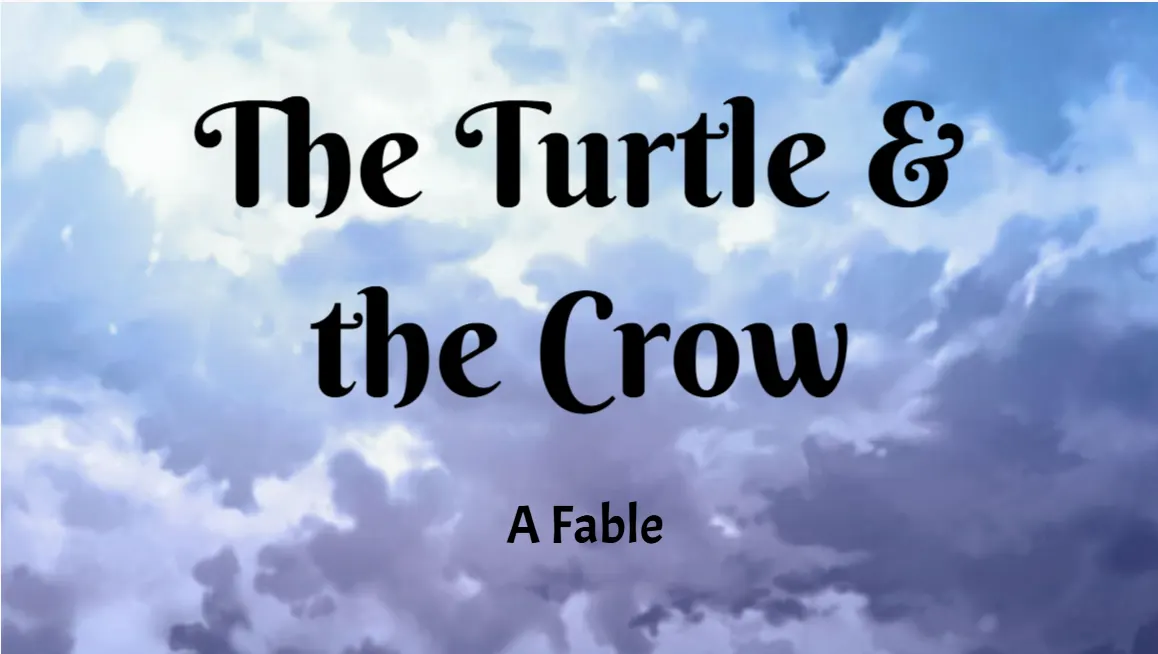
 ▶ STORY
▶
Interactive stories
Branching narratives with choices, multiple endings, and recorded narration.
The lesson defines what students build. They decide what to write, how it looks and sounds, and how it responds.
▶ STORYBranching narratives with choices, multiple endings, and recorded narration.
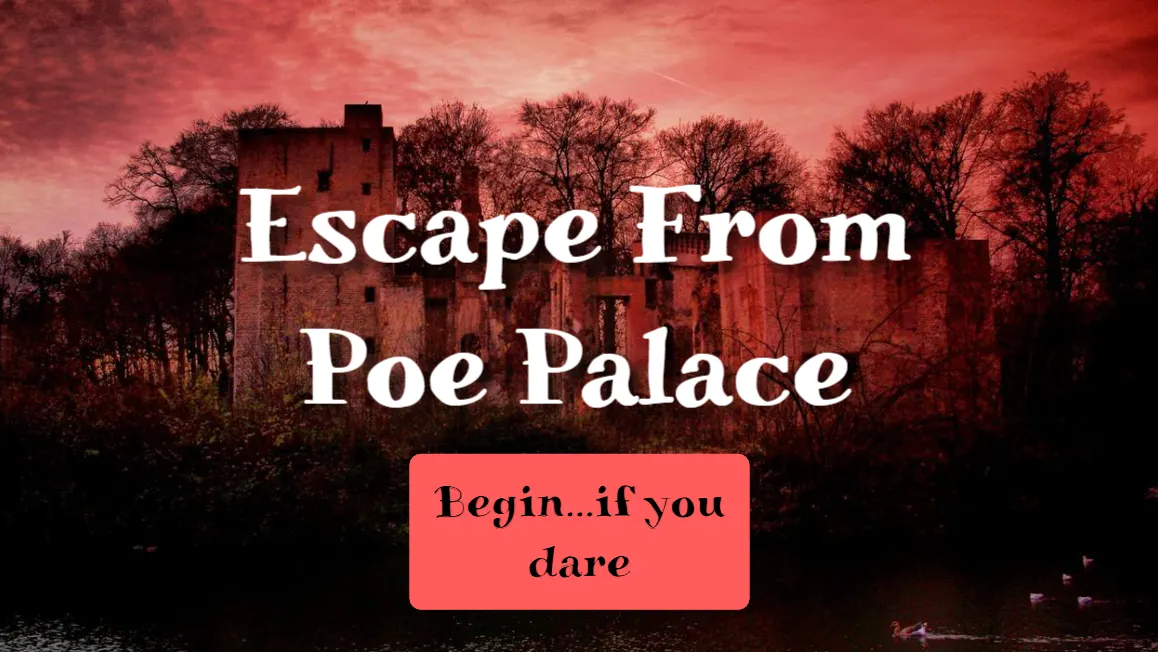 ▶ GAME
Quizzes, escape rooms, and adventures with score, timers, and win conditions.
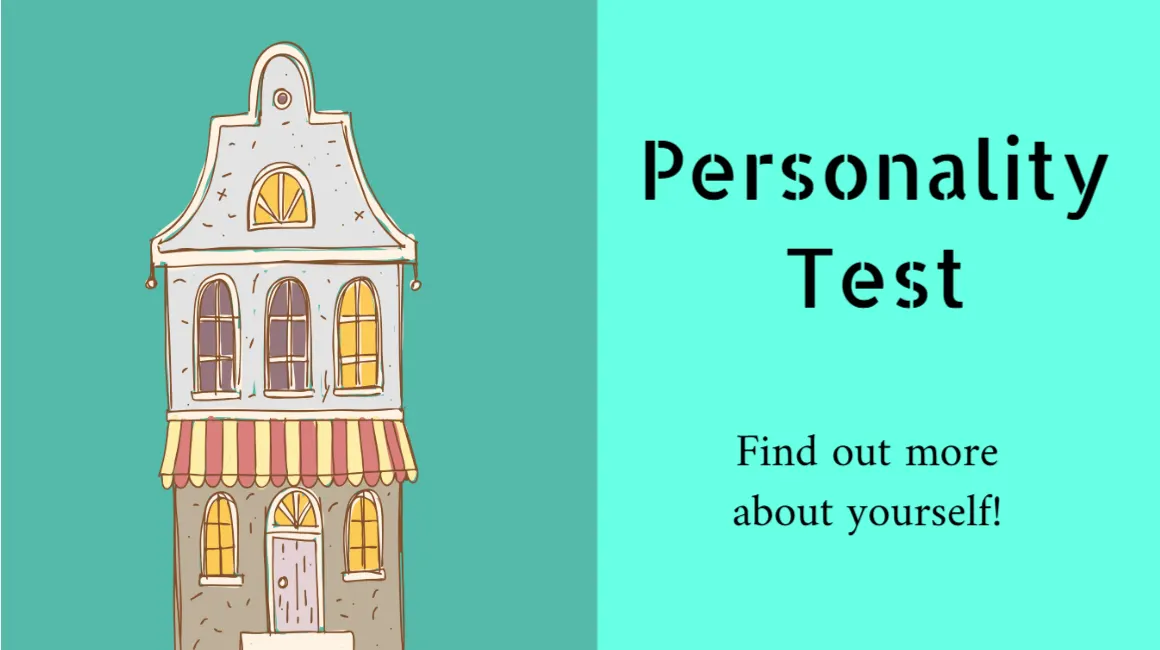 ▶ EXPERIENCE
Maps, simulations, and tools that respond to a tap, a click, even a spoken word.
Build each scene with text, illustrations, sound, voice, and animation. Click a tool to see it. Why creative coding matters →
Thousands of characters, scenes, and props bring the writing to life — or upload your own.
Score a scene, add effects, or record a voiceover — hearing their writing aloud is the revision that sticks.
Make characters and text move and react—whether students are building a story, explanation, simulation, or game.
Choices and multiple endings turn a story into something the reader plays.
Connect node-based blocks for events, functions, variables, and logic. The Studio Compass guides each lesson’s code step by step, introducing concepts as students need them. How node-based visual coding works →
Students write and code the same project together — changes appear live, and they chat right inside the Studio.
Same pages, same code, at the same time. No turns, no version mix-ups.
Ask for help where the work is. No second app to open.
Pair up or build as a group — just invite a classmate.
A shareable link and a spot in the class showcase — students build for a real audience, not a grade.
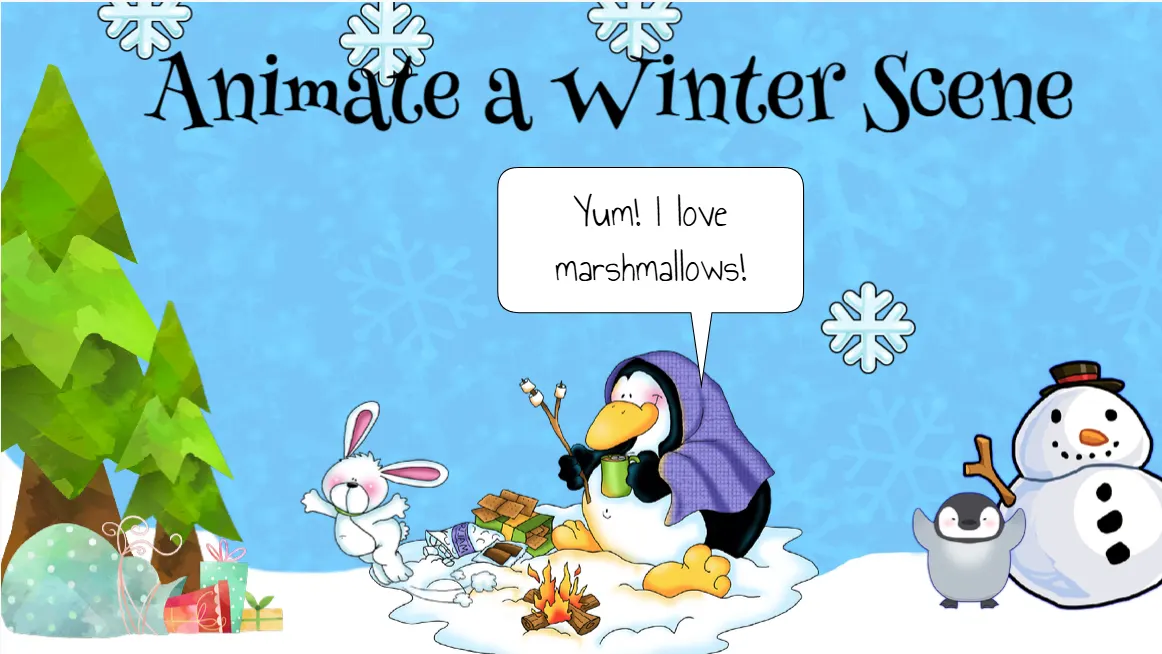
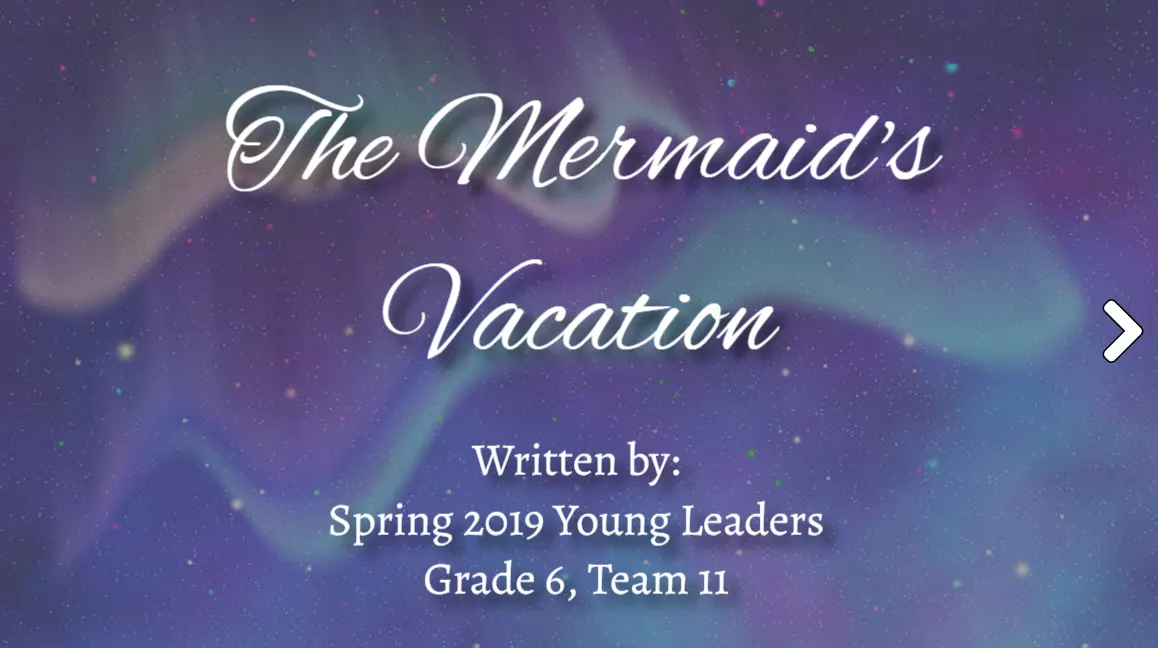
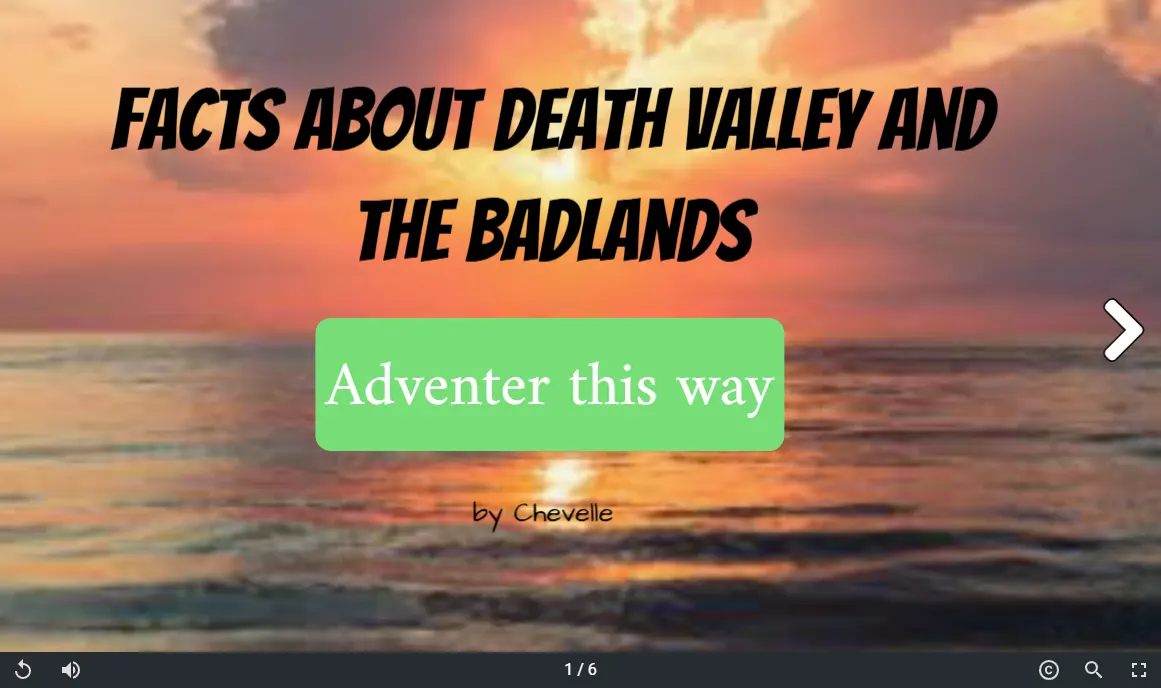

⟲ Remix any published project — open it, see exactly how it was built, and make your own version. Elementari automatically credits the original creator.