The writing tool that looks like a game.
Elementari is writing at its core, with coding as the reason to care. Students draft, revise, read their work aloud, and publish it for a real audience — and want to do it again.
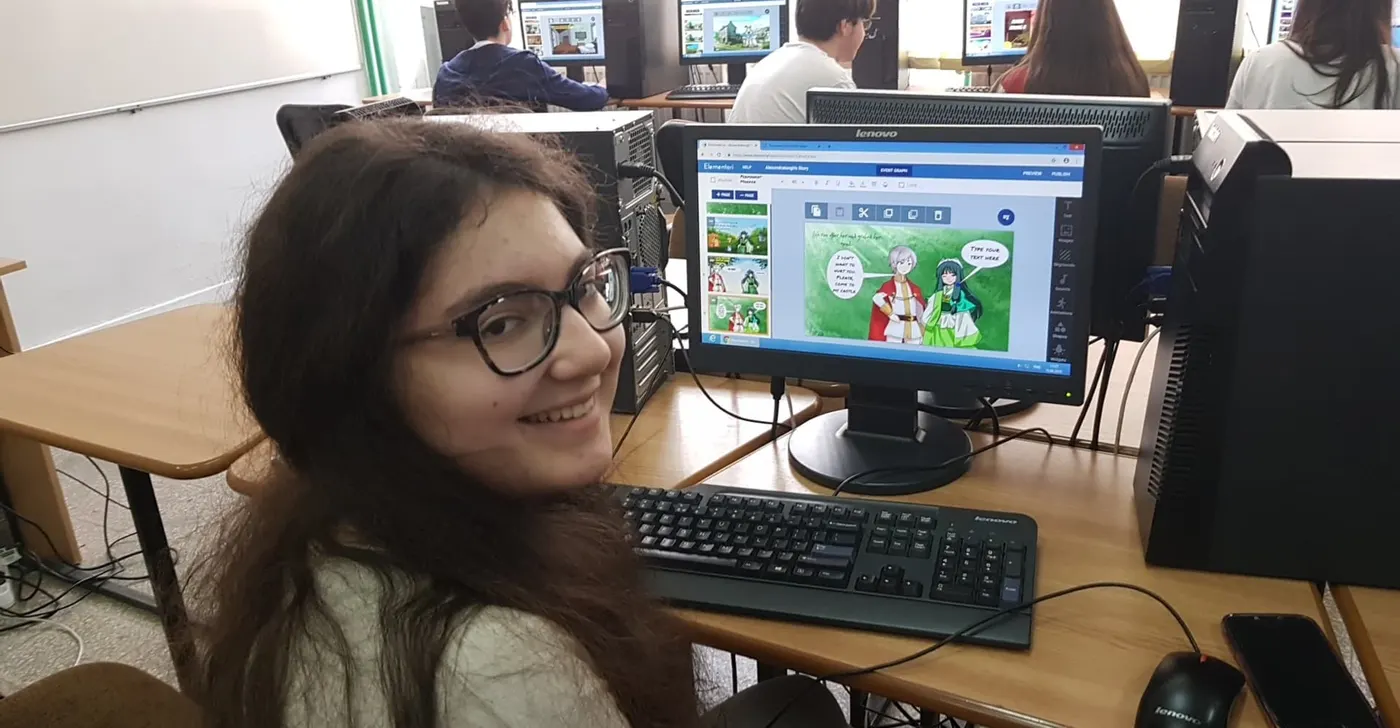
The impact is massive on their comprehension — to write about what you're learning, then see it, say it, and share it with others.
The whole writing process — with a reason to finish it.
The hardest part of teaching writing is the second draft. Elementari builds revision into the fun part — hearing it, coding it, and knowing someone will read it.
They read their own words — out loud, on purpose.
Recording narration means every student reads their writing aloud, again and again, to get it right. It's fluency practice they ask to do — and comprehension shown by explaining, not by a bubble sheet.
- Fluency through voiceover — Students re-read to record — repeated, purposeful oral reading, without the anxiety of reading in front of the class.
- Every word gets read twice — Writers catch their own run-ons and missing words the moment they read aloud — self-editing no grammar checker teaches.
Every lesson starts with a high-interest, cited reading at grade level. Students build background knowledge, make a connection, and carry it into the storyboard — so writing grows from what they actually read.
Coming soon: multi-week units where students conduct their own open-ended research.
Paper first — and we mean it.
Every handout prints. We recommend students draft on paper before they touch a keyboard — research is clear that writing by hand strengthens memory, idea generation, and letter formation. Elementari runs unplugged just as well as online.
- Draft by hand — the storyboard prints as a paper handout; plan and write the first draft in pencil, then type it in to bring it to life.
- Works unplugged — the whole kit (reading passage, storyboard, exit tickets, rubric) is printable, so a lesson runs with no devices at all.
- Every handout prints
- Handwriting recommended
- No 1:1 devices required
Every writer supported, every standard mapped.
- Sentence frames
- Word banks
- Glossary
- Read-aloud
- Any language
See the full alignment story on Standards & Assessment →
Writing in every subject.
Explanatory, narrative, opinion — writing lands harder when it's writing about something. Real lessons from the Lesson Bank:
A real audience does what a grade can't.
Published stories get read, played, and cheered — classmates react and leave kind comments right under the project, classroom-only and teacher-moderated. A first lesson in digital citizenship.
Every published story counts what the class accomplished — words written, time spent writing, and a reader map showing where in the world it's being read. Proof, for every student, that their words traveled beyond the teacher's desk.
See a live class showcaseCommon questions
Isn't this really a coding tool?
It's writing at its core. Students write a story first; coding is how they bring it to life and why they want to revise it. Plenty of teachers use Elementari purely for writing and storytelling — the coding depth is there when you want it.
How does it help reluctant writers?
Sentence frames, word banks, a glossary, read-aloud, and any-language support are built into the storyboard, and a real audience gives a reason to push through. The story format pulls in students who freeze at a blank page.
Does it support English language learners?
Yes. Read-aloud, translation into any language, sentence frames, and voice recording let ELL students access the reading and express understanding in more than one way.
What kinds of writing can students do?
Narrative, explanatory, and opinion writing across every subject — each lesson's writing tasks map to specific Common Core Writing and Language standards.
Do students have to write on the computer?
No — we recommend the opposite. Every handout prints, and drafting the first version by hand is encouraged; research shows writing on paper supports memory and idea generation. The full kit runs unplugged, so you don't need 1:1 devices to teach the lesson.
How does peer feedback work — and is it safe?
On a printable review sheet, and right under each published project — classmates react and leave kind comments. Everything stays classroom-only (never on the public showcase), and teachers can moderate or turn comments off entirely.